
Want a Personalized Game Like Dobble? Here's How to Create One
Searching for a personalized Dobble? Here's what people usually mean, what you can actually customize, and how to build an independent matching game with your own photos.
If you've searched for a "personalized Dobble" or a "custom Dobble game," you're almost certainly not looking for the branded product sold in stores — you're looking for something built around that same fast visual-matching concept, but made from your own photos, people, or brand. That's a real thing you can build.
Worth saying clearly up front: PairPops makes an independent custom matching game inspired by that concept. It is not a Dobble product, and it is not affiliated with, licensed by, or endorsed by the company that makes Dobble or Spot It!. This guide covers what people usually mean by that search, what can actually go on the cards, how the matching mechanic still works with your own images, and how to see what yours would look like before committing to anything.
What People Mean When They Search for "Personalized Dobble"
Almost nobody searching "personalized Dobble" wants a Dobble box with a sticker on it. What they're actually picturing is the game they already know — flip two cards, find the one thing they share, call it out first — but populated with something that means something to them: their kids' faces, their wedding party, their team, their product line. The brand name is shorthand for "that fast matching game," not a request for the specific branded product.
That distinction matters, because the two things are genuinely different. A licensed or officially "customized" version of a trademarked game would require a relationship with the company that owns it. An independent matching game built on the same public mathematical concept doesn't — and that's what's actually available, from PairPops and from the handful of other services and DIY tools that show up when you search for this.
Can You Personalize a Game Like Dobble?
Yes — by building an independent matching game that uses your own visual assets instead of the original game's abstract symbols. The one-match principle (any two cards share exactly one image, always) comes from the underlying math, not from the specific images used, so it holds regardless of what you put on the cards. What changes is entirely cosmetic: whose faces, which products, which icons. What doesn't change is the mechanic itself, and the fact that this stays a distinct, independently made product — not a customized edition of the trademarked game.
What Can You Put on the Cards?
Anything that's clear and recognizable at a glance works, because the mechanic doesn't care what the images represent — only that each one is distinct.
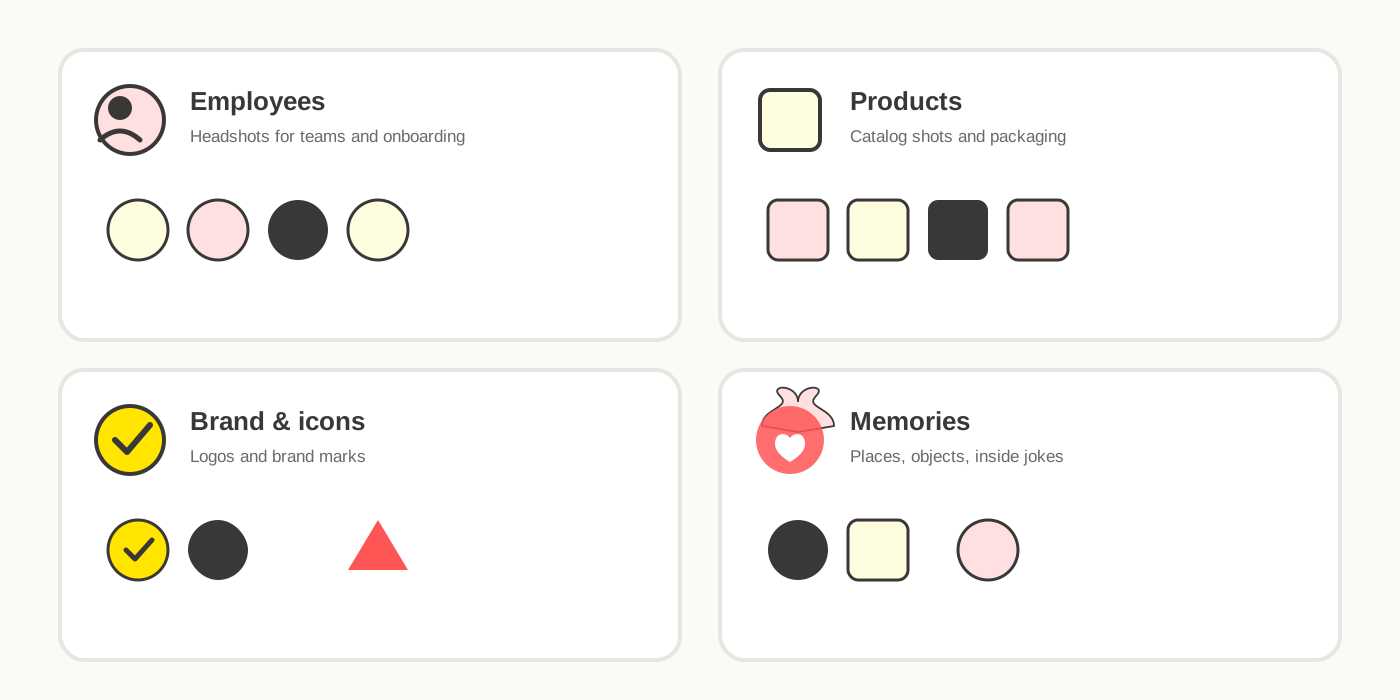
Employee photos
Headshots are the most common choice for a workplace version — new-hire onboarding, an all-hands icebreaker, or a desk-side game people actually keep.
Products
Product photography or packaging shots work well for teams that want people to learn a catalog, a lineup, or a set of SKUs while playing.
Company branding and icons
Logos, brand marks, and internal iconography can stand in for symbols entirely, or mix with photos for a more varied set.
Family and wedding photos
The same format works for personal occasions — guest photos for a wedding reception table game, or family photos for a reunion. See how this looks for weddings if that's the context you're building for.
Inside jokes, places, objects, and memories
Nothing about the mechanic requires faces or products specifically — office landmarks, running jokes, trip photos, or anything else your group would recognize instantly works the same way.
What Makes a Good Photo for a Personalized Matching Game?
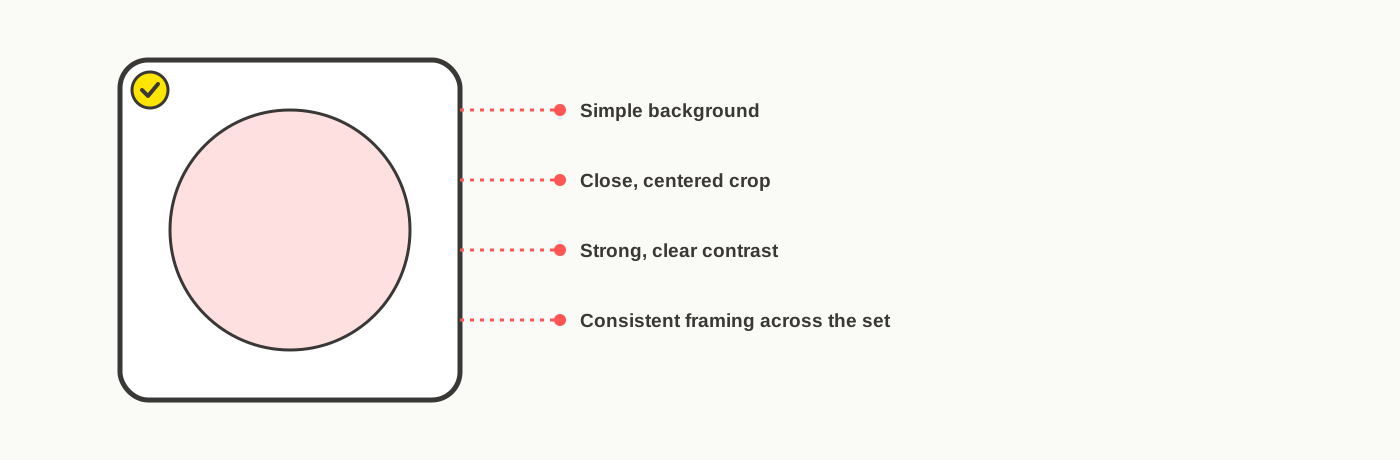
Briefly: close crops, simple backgrounds, and consistent framing across the whole set. Busy backgrounds and tiny or distant subjects are the most common reasons a personalized deck feels harder to play than it should. Our full photo-preparation guide covers this in more depth, including a complete prep checklist, if you want to get it right before generating a layout.
How Does the Matching Mechanic Work?
Every card in the deck carries several images, and any two cards always share exactly one — never zero, never two. That guarantee comes from a branch of geometry called finite projective planes, not from anyone manually checking the arrangement. We've written the full math behind it separately if you're curious how the structure actually works; the short version is that it holds regardless of what images you use, which is exactly what makes a personalized version possible in the first place.
Personalized Matching Game Ideas for Companies
The following are illustrative examples of how the format could be used — not verified customer projects.
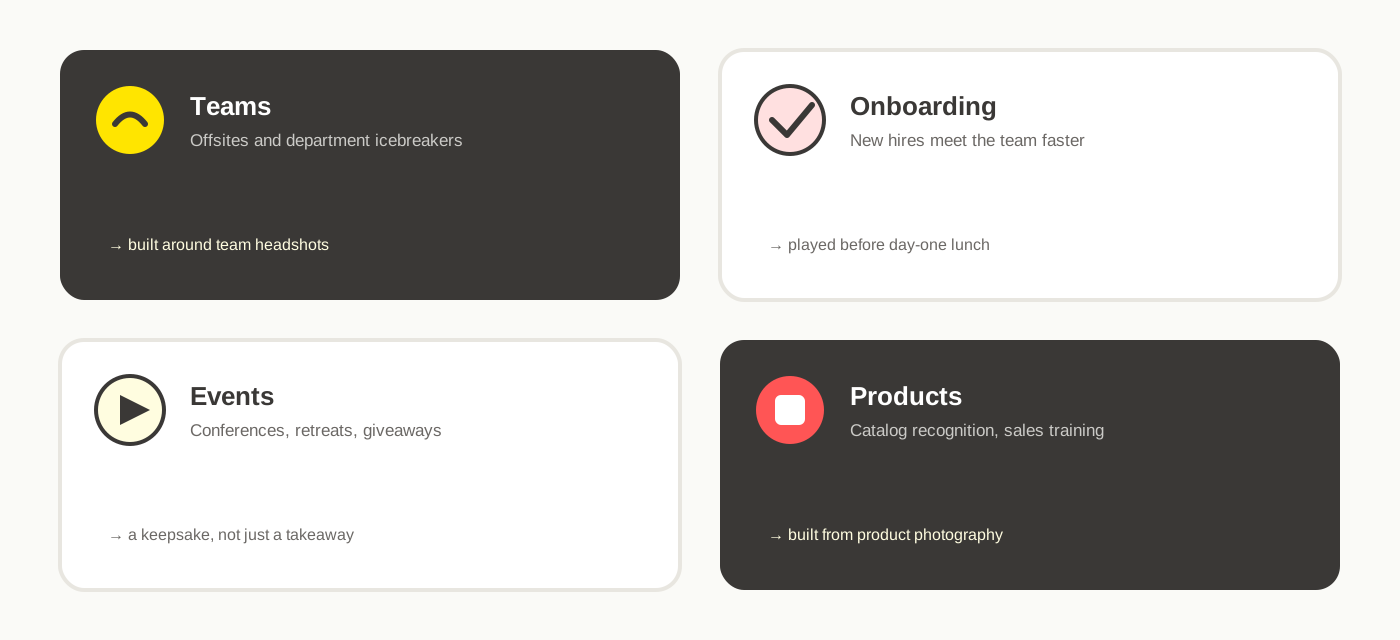
- Employee onboarding. A new hire meets a photo-based version of the team before meeting everyone in person. See how this fits into a structured onboarding activity.
- Team building. A quick, no-facilitator-needed activity for an offsite or department gathering, built around team photos.
- Company retreats. A deck that mixes team photos with brand icons or company milestones as a retreat icebreaker.
- Conferences. A giveaway built around product images or booth graphics that doubles as a memorable takeaway.
- Employee recognition. A deck built around a specific team or department as a lightweight recognition gift.
- Product education. A deck of product shots that gets a sales or support team faster at recognizing a full catalog.
- Brand activation. Logos, mascots, or campaign assets as the image set for an event booth or activation.
- Customer giveaways. A branded takeaway for a trade show or client event that's more memorable than a pen.
Personalization at a Glance
| Use case | Typical image set | Why it fits |
|---|---|---|
| Employee onboarding | Employee headshots | New hires recognize colleagues before meeting them |
| Team building | Team photos, inside jokes | No facilitator needed — the game runs itself |
| Company retreats | Team photos + brand icons | Mixes culture and connection in one deck |
| Conferences | Product or booth imagery | A giveaway people actually keep and play |
| Employee recognition | Team or department photos | A lightweight, personal recognition gift |
| Product education | Product or SKU photography | Builds catalog recognition through repetition |
| Brand activation | Logos, mascots, campaign assets | Reinforces brand recall at an event |
| Customer giveaways | Branding + product imagery | More memorable than a standard promotional item |
What Does a PairPops Custom Matching Game Look Like?
A PairPops set is a circular disc format: a stack of round, white discs, each with several of your images arranged radially near the edge — the same layout your eye can scan quickly during play. Any two discs always share exactly one image. The images are yours: faces, products, logos, or whatever set you've chosen. It's built and produced as an independent custom matching game, not as a version of any trademarked product.
From Photos to Finished Game
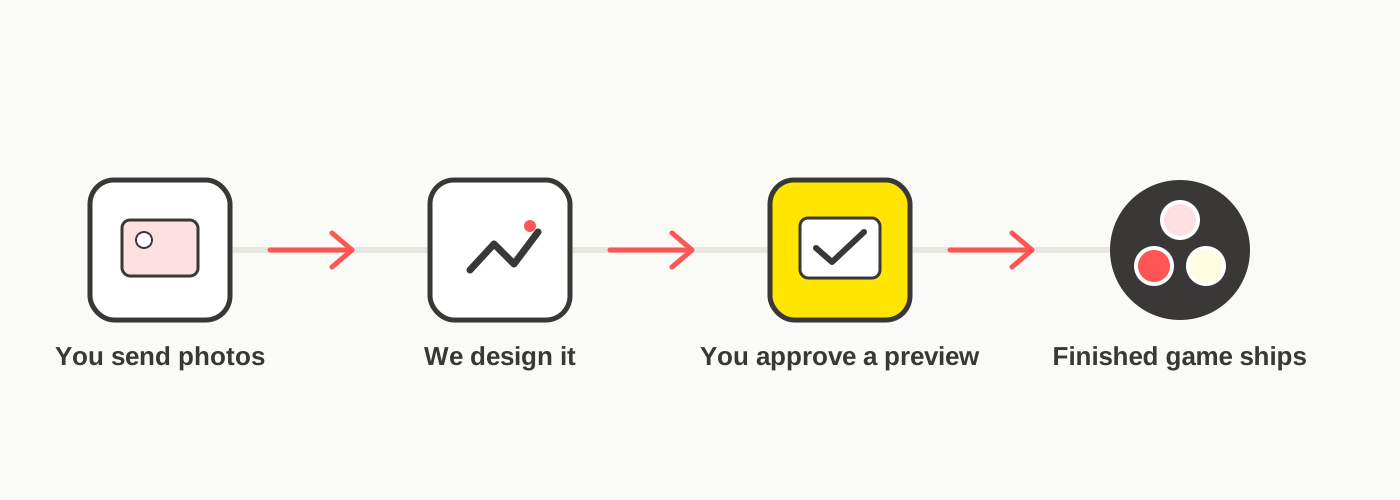
The process is straightforward: you send your photos, they're prepared and arranged into a layout that guarantees the one-match property, you review a free digital mockup showing your actual images on the discs, and — once you approve it — the finished set is produced and shipped. Nothing goes to production without your sign-off. See the full process in more detail.
Can You Preview the Game Before Ordering?
Yes. You can see what your own people, products, or photos could look like as a PairPops game before paying anything. Get a free mockup — you'll typically get a digital preview back within 1 business day, with no commitment at that stage.
Frequently Asked Questions
Can I create a personalized game like Dobble?
Yes. You can build an independent visual matching game using your own photos, following the same fast one-match mechanic. It won't be a Dobble or Spot It! product, but the core gameplay concept works the same way.
Can I use my own photos?
Yes. Faces, products, logos, objects, and locations all work — the mechanic only cares that each image is clear and distinct from the others in the set.
Can I use employee photos?
Yes. Employee headshots are one of the most common image sets for a corporate version — mixed with company logos or product shots if you want a broader set.
Can I use products or logos?
Yes. Product photography, packaging shots, and brand icons all work the same way as any other image — this is a common approach for product education or brand activation use cases.
How many images are needed?
It depends on the deck size — free tools commonly offer 13-, 31-, and 57-image tiers. The full mathematical structure uses 57; the commercial Dobble/Spot It! game itself uses 55 cards. PairPops' own custom games are always built on the full 57-image structure.
Can I preview it before ordering?
Yes. With PairPops, you can request a free mockup showing your actual photos arranged on the discs before any payment or production — you'll typically hear back within 1 business day.
Is PairPops affiliated with Dobble or Spot It!?
No. PairPops is an independent custom matching-game brand and is not affiliated with, licensed by, or endorsed by Dobble or Spot It!.